An expense and budget tracker for Android. Pick a color and the whole app changes to match. So does this page. No bank login, no account, and nothing leaves your phone.
 Free to download. Pro is a one-time purchase, never a subscription.
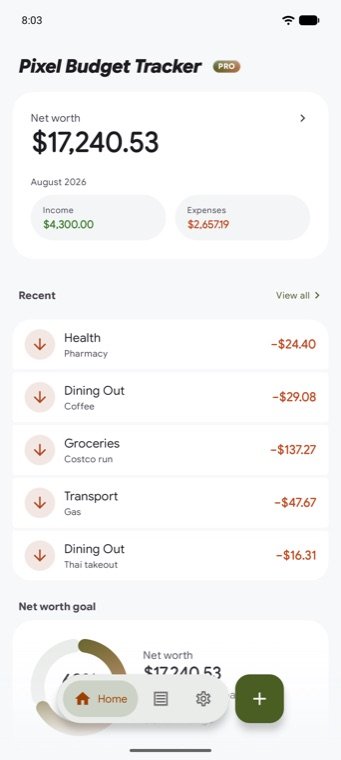
Pick one color and the app works out the rest: the buttons, the highlights, and text you can still read on top of them, in light mode and dark. Here's what your pick just made.
It can also take its color straight from your wallpaper. Pro adds five hand-picked pairings if you would rather not choose.
Change the color above and these three stay put. Pick pink or orange and money coming in would start to look like money going out, so they don't follow your choice at all.
They do shift a shade or two to suit your color. Each one is then checked against the screen behind it, so it stays easy to read on a light background, a dark one and true black.
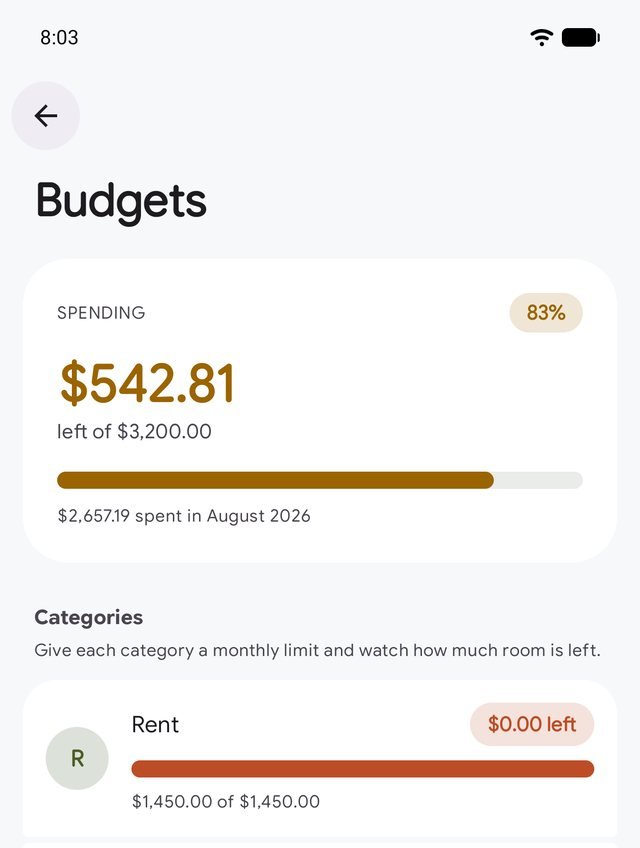
Give a category a monthly limit and the bar fills in your color as the month goes on. Close to the limit it turns orange, past it red, and the label stops telling you what's left and starts telling you how much you're over.
You get a warning before you hit a limit, on the free version too. Limits start again on the 1st of each month.
No sign-up, no banner ads, nothing watching what you do. Just the app.
Every screen picks up the same color and the same light or dark setting.
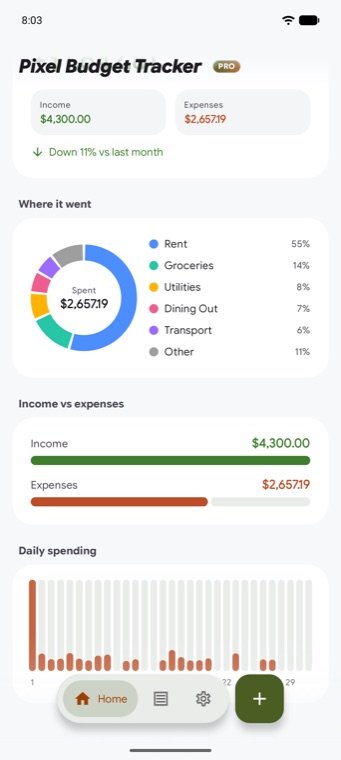
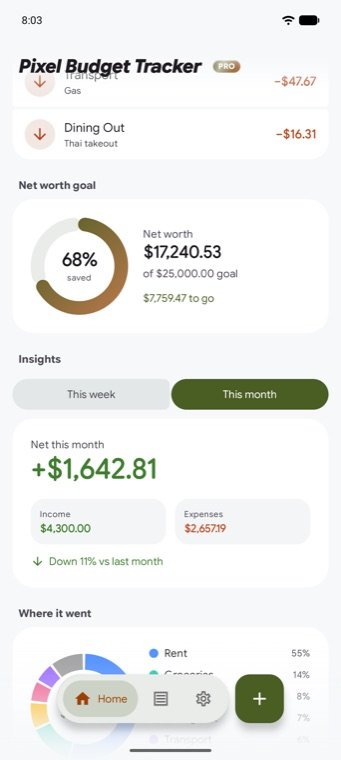
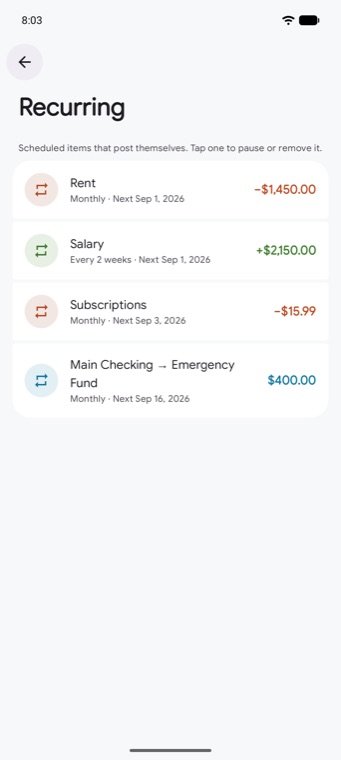
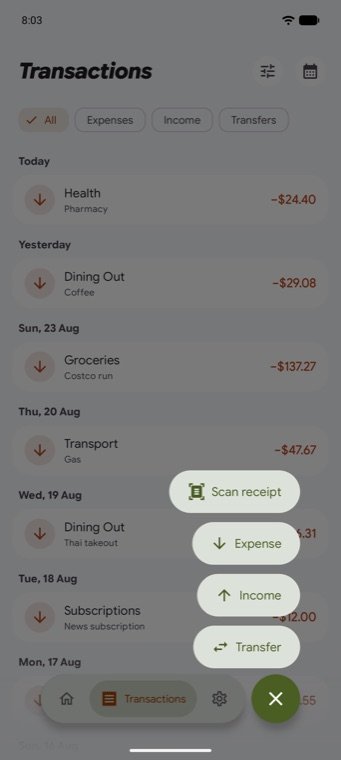
Both versions are ad-free and work offline, and nothing you have already used gets taken away. Pro lifts the limits. You pay for it once.
Pro is a one-time purchase, never a subscription. Google Play sets the price separately for each country, so the app shows you the exact amount before you confirm. It restores by itself if you reinstall or change phone.
No, on purpose. There's no bank login and no account to create, so there's no password of yours for anyone to lose. You add things yourself: type them in, photograph a receipt, or set up a repeat for the ones that happen every month.
Every account, transaction and note is saved on your phone and nowhere else. Nothing about your money is uploaded. Settings has an export that writes it all to a spreadsheet file you can open in Excel, Numbers or Google Sheets, and a Delete All Data button that really does erase the lot.
No. The photo is taken and read on your phone, nothing is sent anywhere, and the picture is thrown away once the numbers have been read off it. The app doesn't even ask for camera permission, because Google's own scanner takes the photo and hands it over. Scanning is free for everyone, not a Pro feature.
No. You pay once, with no monthly or yearly fee. Unlimited accounts and categories, repeating transactions, spending in other currencies, true black dark mode, the two-tone themes, the glass navigation bar and the extra app icons all unlock for good, and they come back by themselves if you reinstall.
Don't use them. Modified "Pro APK" files from other sites often carry malware, adware or spyware, and this is an app you keep your financial records in. The real Pro upgrade is a one-time purchase inside the app through Google Play, which also keeps your updates coming from somewhere you can trust.
Yes, with Pro. The app keeps your records in one currency so the totals still mean something, but you can enter an amount in another one and it converts as you save it, at the rate for the day you actually spent it rather than today's. You can type over the converted figure, and often you should: your bank's rate is never quite the published one. What you originally paid is kept as well, so it still matches your receipt.
You pick one color and the app works out every shade it needs from it: the buttons, the backgrounds, and text you can still read on top. On Android 12 and up it can take that color from your wallpaper instead. Pro adds five ready-made pairs that use a second color alongside the first. Green for income, red for expenses and blue for transfers never change, whatever you pick.
Free on Google Play. No account, no ads, no bank connection, no subscription.